

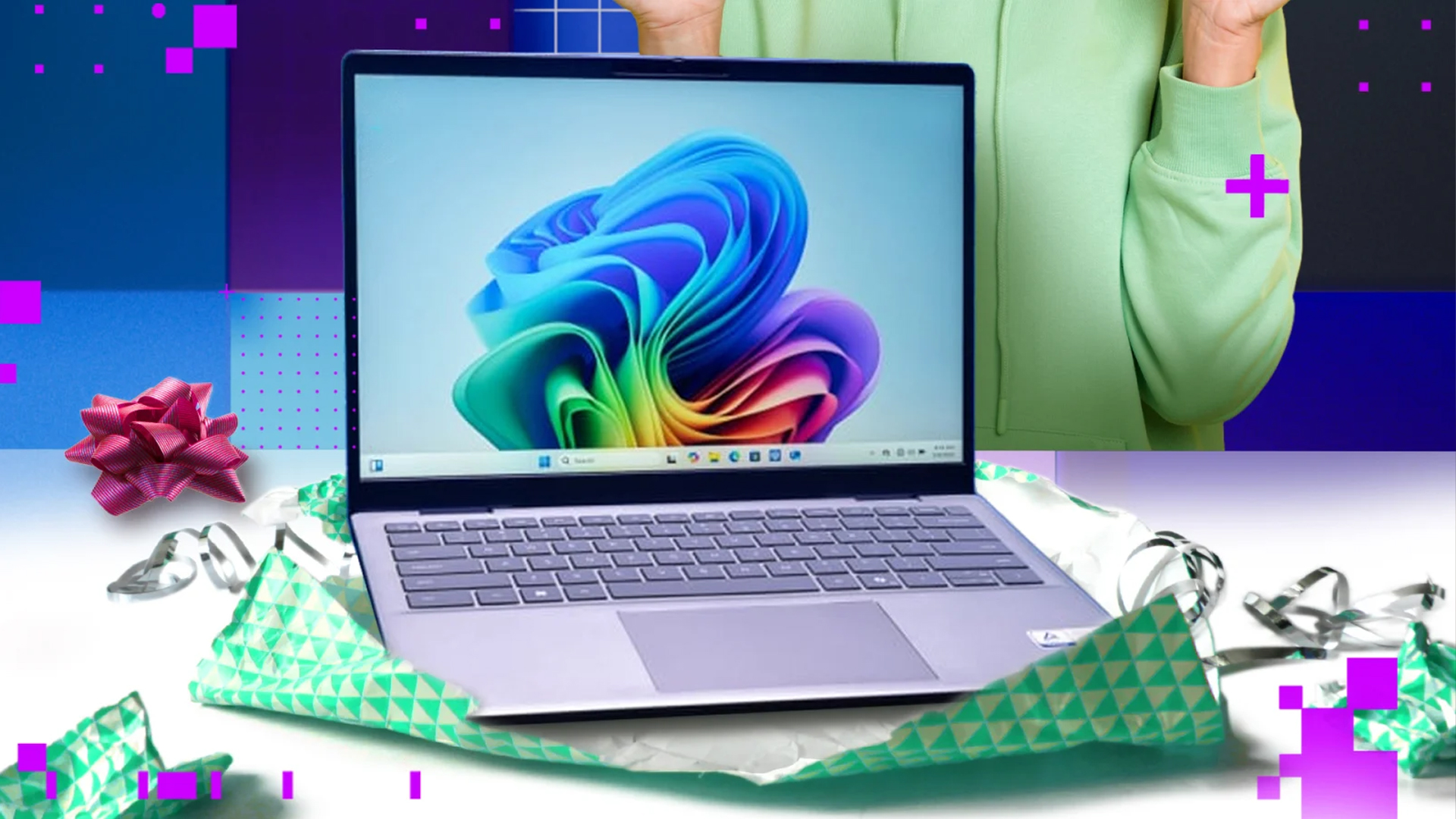
Breaking the seal on a new computer brings a moment of technological optimism that usually vanishes the moment the power button is pressed. While the hardware might be pristine, the software ecosystem inside is rarely ready for the rigors of the real world without significant intervention. The initial boot process is less about instant gratification and more about navigating a minefield of corporate data grabs, outdated drivers, and pre-installed clutter that can cripple a machine before it ever opens a web browser.
• New PCs require immediate software adjustments.
• The initial setup is often complex.
• Pre-installed clutter can slow down systems.
The first major decision involves identity and specifically whether to tether the device permanently to the cloud or keep it grounded locally. Microsoft aggressively steers new users toward signing in with a Microsoft account to sync wallpapers and settings across devices, effectively linking the hardware to a digital profile immediately. For those valuing privacy or simplicity, bypassing this often requires disconnecting from the internet during setup to force the option of a local account which offers traditional control without the mandatory cloud integration.

• Microsoft pushes users toward cloud accounts.
• Local accounts offer more privacy.
• Disconnecting internet aids local account setup.
Once the desktop finally loads, users are often greeted by a barrage of unwanted software known colloquially as crapware or bloatware. Manufacturers frequently subsidize the cost of consumer hardware by accepting payments from software vendors to pre-install trial versions and useless utilities that clutter the drive and sap system resources. A thorough digital scrubbing is essential, and while uninstalling apps manually works, using the built-in Windows Reset tool can often wipe the slate clean more effectively by restoring the operating system to its bare essentials.
• Crapware clutters new consumer PCs.
• Vendors are paid to pre-install junk.
• Windows Reset can clear unwanted software.
Achieving actual stability requires navigating the inevitable labyrinth of Windows Updates, because the operating system was installed weeks or months before the device reached the store shelf, the software is outdated the moment it connects to Wi-Fi. A single check for updates is rarely sufficient, as installing one patch often reveals the need for several more, creating a cycle that demands patience and multiple reboots to ensure the system and the crucial BIOS firmware are truly current.
• New PCs often ship with outdated software.
• Multiple update cycles are usually necessary.
• BIOS updates ensure hardware runs correctly.
The final critical step before venturing onto the open web is establishing a defensive perimeter against malware. While the integrated Microsoft Defender has improved significantly, dedicated security suites from third-party providers still offer more robust layers of protection including firewalls and spam filters. Whether opting for a paid subscription or a reputable free alternative like Avast, installing a dedicated antivirus program will automatically put the default Windows tools into a dormant state to prevent software conflicts.
• Malware protection is a critical first step.
• Third-party tools often outperform Microsoft Defender.
• Installing new antivirus disables default tools.
Via: PC Mag


